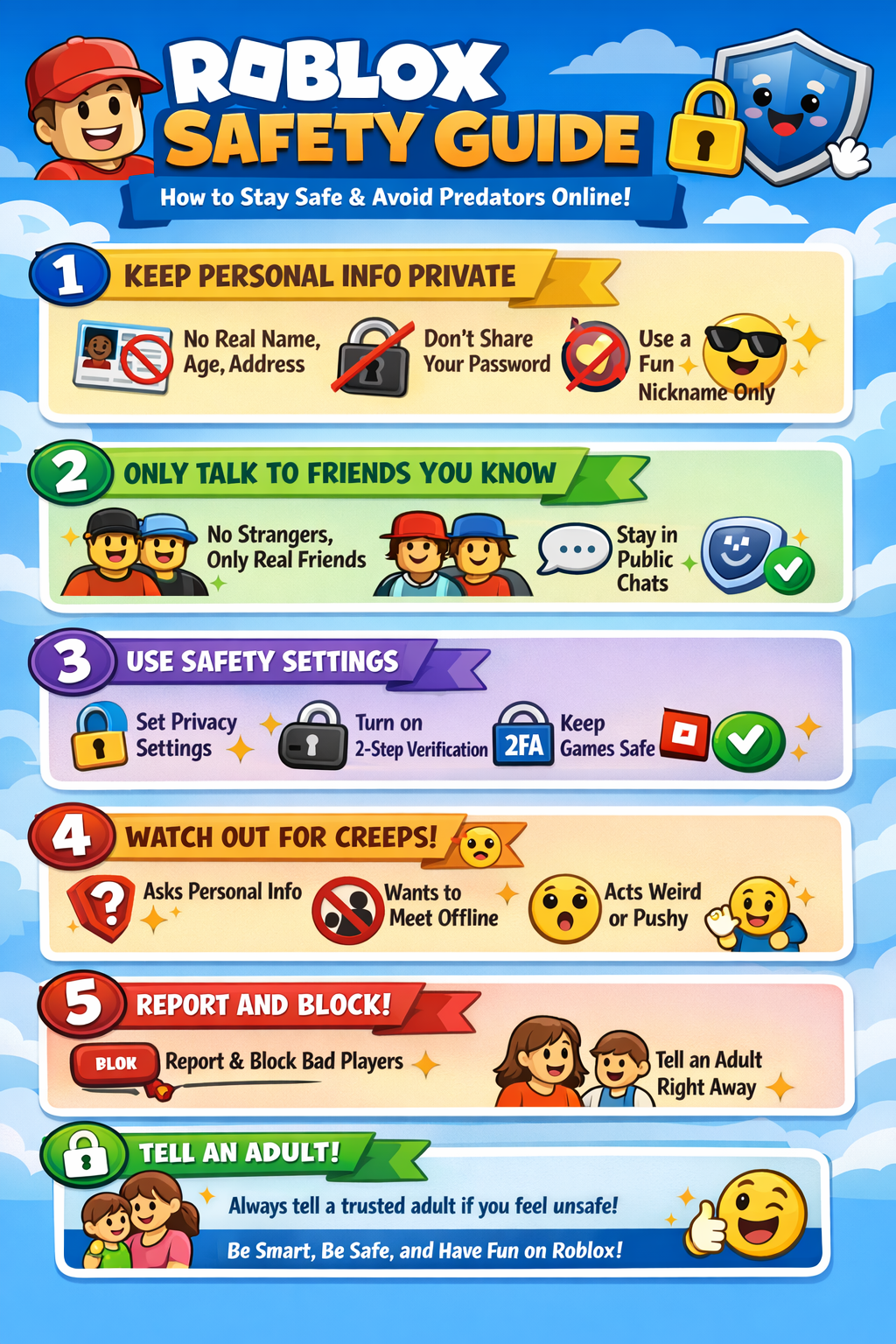
1️⃣ Keep Personal Information Private
Never share personal details such as:
- Real name
- Age
- Address
- School
- Phone number
Also remember:
- Never share your password with anyone, even friends
- Avoid posting personal information in chats or social media
💡 Tip: Use a fun username that doesn’t reveal your real identity.
2️⃣ Only Talk to People You Know
- Only accept friend requests from people you know in real life
- Avoid private conversations with strangers
- Do not move conversations outside Roblox
If someone makes you uncomfortable:
- Ignore them
- Block and report them immediately
💡 Tip: Stick to public chats or official Roblox groups.
3️⃣ Use Roblox Safety Features
Make sure your safety settings are turned on:
- Control who can chat with you
- Control who can join your games
- Control who can follow you
Also:
- Enable 2-Step Verification for extra account security
4️⃣ Recognize Suspicious Behavior
Be careful of players who:
- Ask for personal information or passwords
- Try to move conversations outside Roblox
- Offer gifts or rewards in exchange for information
- Pressure you into doing things you’re not comfortable with
💡 Tip: If something feels wrong, trust your instincts and stop interacting.
5️⃣ Report and Block Suspicious Players
If someone behaves suspiciously:
- Use the Report Abuse button on their profile
- Block the user immediately
- Tell a trusted adult right away
🧠 Bonus Tips for Kids
- Play age-appropriate games only
- Avoid clicking suspicious links or downloads
- Keep chat language safe and respectful
✅ Quick Reminder for Parents
Parents should:
- Regularly check privacy and safety settings
- Enable parental controls
- Talk openly with kids about online safety